

In Parrot, a rule set helps you define the rules that Parrot should follow for a given programming language or framework when generating a snippet. Rule sets are defined on a per-language, per-framework basis. You can define as many rule sets as you’d like.Documentation Index
Fetch the complete documentation index at: https://docs.codewithparrot.com/llms.txt
Use this file to discover all available pages before exploring further.
Creating a New Rule Set
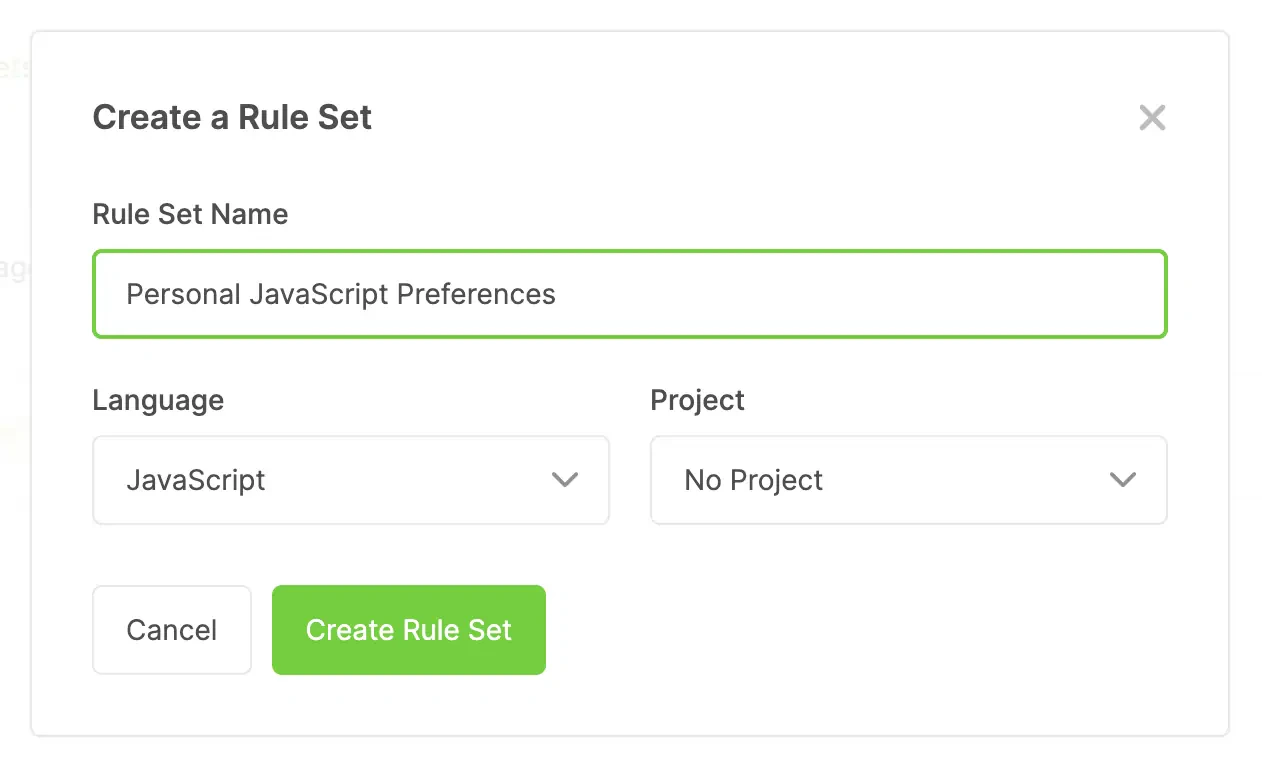
To create a new rule set, head over to Rule Sets page and click the “Create a New Rule Set” button. This will reveal a modal where you can define:- A name for your rule set.
- The language/framework the rule set will apply to.
- Optionally, a project the rule set should be assigned with (helpful for sharing rule sets with team members who have access to a project).
Adding Rules to a Rule Set
Rules give you granular control over how Parrot should use certain language or framework features when generating snippets. There are two ways to add rules to a rule set:- If available, use a template rule provided by Parrot.
- Write your own custom rule.
Adding a Template Rule
If Parrot has templates available for your Rule Set’s choosen language/framework, they will show up on the left-hand side of the rule set editor.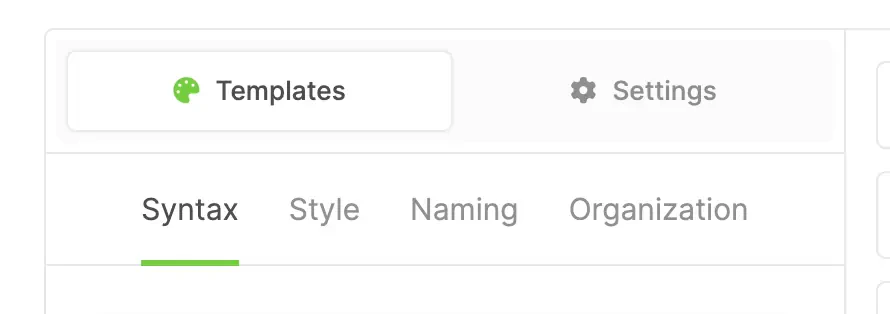
- Syntax
- Style
- Naming
- Organization
Adding a Custom Rule
Custom rules can be added by using the input at the bottom-right of the Rule Set editor. To add a custom rule, type in your preference and then click the “Add Custom Rule” button.